
How to Install GTA Mzansi APK (Step-by-Step Guide)
Installing GTA Mzansi requires downloading both the APK installation file and the OBB data file.
The APK installs the application, while the OBB file contains additional game assets such as maps, textures, and audio.
This guide explains the correct installation process to help avoid common issues such as installation errors or black screen problems.
To download the latest version, visit the GTA Mzansi APK Download page before starting the installation process.
Download Required Files
Before installation, download the following files:
• GTA Mzansi APK
• GTA Mzansi OBB data file
You can download both files from the GTA Mzansi APK Download page to ensure a safe and complete installation.
Enable Unknown Sources
Because the APK file is installed outside the Google Play Store, Android requires manual permission.
Steps:
1 Open device Settings
2 Go to Security
3 Enable Install Unknown Apps
This allows the APK file to install on your device.
Install the APK File
After downloading the APK:
1 Locate the APK file in your Downloads folder.
2 Tap the file.
3 Select Install.
Wait until installation completes.
If the APK fails to install, follow the Fix GTA Mzansi Not Installing guide for step-by-step solutions.
Move the OBB File
After installing the APK, place the OBB file in the correct directory.
Required folder location:
Internal Storage > Android > obb > [package folder included with your matching OBB files]
Important: The exact package folder can vary between GTA Mzansi builds. Keep the folder name supplied inside the matching OBB package unless the instructions included with that file specifically tell you otherwise.
If the OBB file is not placed correctly, the game may display errors when launching.
If the game shows a black screen after setup, check the Fix GTA Mzansi Black Screen guide.
How to Set GTA Mzansi Files Using ZArchiver
ZArchiver can be used to extract and move GTA Mzansi OBB files into the correct Android folder.
- Open ZArchiver and locate the downloaded GTA Mzansi OBB ZIP file.
- Tap the ZIP file and choose Extract.
- Wait until the extraction process is completely finished.
- Open the extracted folder and locate the included game-data or package folder.
- Move that folder to Internal Storage > Android > obb.
- Install the APK that belongs to the same GTA Mzansi edition.
- Once the APK and matching OBB files are in place, launch the game.
Important: Do not mix files between editions. The Main GTA Mzansi APK should use its matching OBB, while Kasi Vibes and Stereo Hearts should each use their own matching APK and OBB files.
Launch the Game
Once installation is complete:
1 Restart your device
2 Open the game
3 Allow required permissions
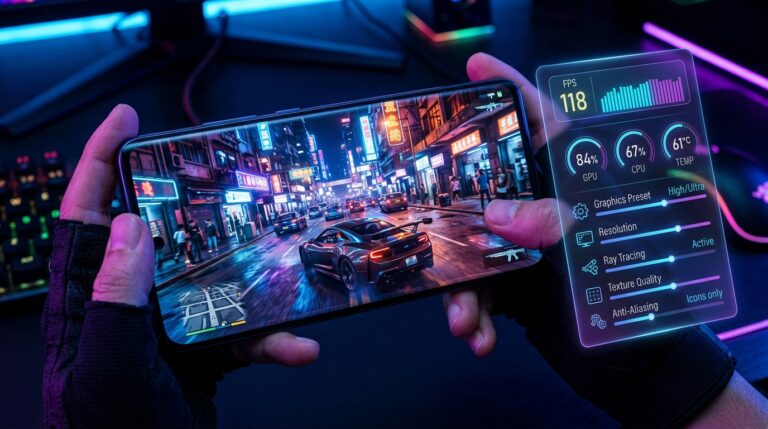
The game should now load normally.You can also improve performance using the Best GTA Mzansi Graphics Settings Guide for smoother gameplay.
Fix Installation Problems
If you encounter errors during installation, use these guides:
- Fix GTA Mzansi Not Installing (Download Failed Error)
- Fix GTA Mzansi Black Screen on Android
Device Compatibility
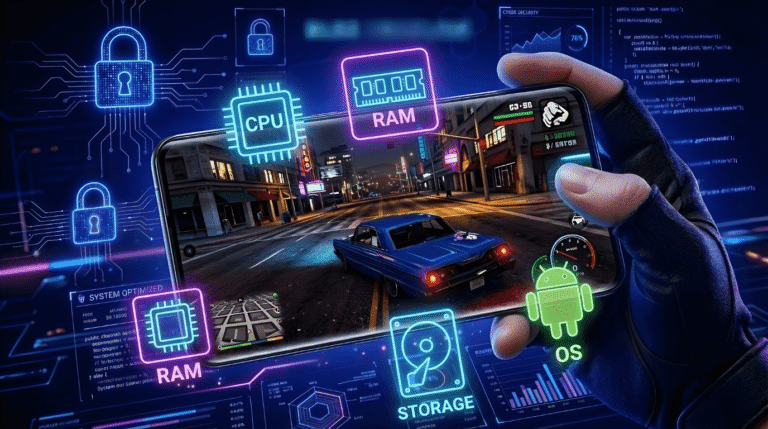
Before installing the game, verify your device meets the minimum requirements.
Check the full GTA Mzansi System Requirements guide to confirm compatibility before installing.
Conclusion
Installing GTA Mzansi requires correct placement of APK and OBB files along with proper device compatibility.
To get started, download the latest version from the GTA Mzansi APK Download page and follow the steps above carefully.
If you face issues, use the Fix GTA Mzansi Not Installing and Fix GTA Mzansi Black Screen guides for quick solutions.
For better performance, apply the Best GTA Mzansi Graphics Settings Guide after installation.